
Every AI draft sounds the same. Not because you’re using the wrong tool, not because you need a better prompt — because you’re feeding the model a description of your voice instead of your actual voice. That’s the core problem with how to keep ai content on-brand, and it’s a structural one. Fixing it requires a different type of input, not a longer prompt.
You type “write in a direct, conversational tone” and get… medium. The kind of medium that fills the internet. Technically functional, stylistically nobody. You spend 15 minutes rewriting it until it sounds like you again — and then you do exactly the same thing next week, and the week after. The problem doesn’t go away, the cost doesn’t drop, and the output still blends into the SERP like every other AI-drafted post in your niche. The fix is a reusable voice profile: a short document — 300 to 450 words — built from three components: real writing samples pulled from your best content, a behavioral do/don’t list, and a one-paragraph persona card. You build it once. You paste it at the start of every session. Your drafts start sounding like you by default, not by coincidence.
- The real problem: Tone adjectives like “conversational” map to average internet prose — not your style. The model has nothing specific to pattern-match against.
- The fix is a document, not a prompt: A reusable voice profile — built once, pasted at every session — makes “on-brand” a default setting, not a per-post rewrite ritual.
- Three components: 2–3 real writing samples from your best posts, a behavioral do/don’t list with specific sentence patterns (not adjectives), and a one-paragraph persona card.
- Why it works: Real sample paragraphs trigger few-shot prompting behavior — the model matches your token patterns directly, not abstract style labels it has to guess at.
- Audit the profile every 8–10 articles. If the AI’s description of your voice drifts from your persona card, update the do/don’t list and add a fresh sample paragraph.
Why Describing Your Voice in a Prompt Doesn’t Work
When you type “write in a friendly, direct tone,” you’re giving the model an instruction it cannot precisely follow — not because it’s bad at following instructions, but because “friendly” and “direct” are abstractions. The model has to interpret those words, and it does so statistically: it maps “direct, conversational” to the center of all training data ever associated with those labels. That center is average internet prose. Not yours. Not anyone’s in particular. Everyone’s at once, averaged out. This is the mechanism that produces AI slop — it’s not carelessness, it’s architecture. LLMs predict the most probable next token given a context, and a vague style label points straight at the median.
Giving the model a tone adjective is like telling a contractor to build “a nice kitchen” without measurements or photos. They’ll produce something competent and generic, because “nice” lives in a probability distribution, not a blueprint. The fix isn’t a more precise adjective — it’s a sample. Two or three paragraphs from your actual published writing give the model token-level patterns to match against: sentence length, punctuation rhythm, the specific vocabulary anchors you habitually use, how you close a paragraph. As OpenAI’s own prompt engineering documentation makes clear, examples in a prompt anchor model behavior in a fundamentally different way than instructions do. That’s not a style preference — it’s a different input type with a different output mechanism. Description asks the model to imagine your voice. Samples show it exactly what your voice looks like in practice.
How to Build a Voice Profile You Paste Once and Reuse Forever
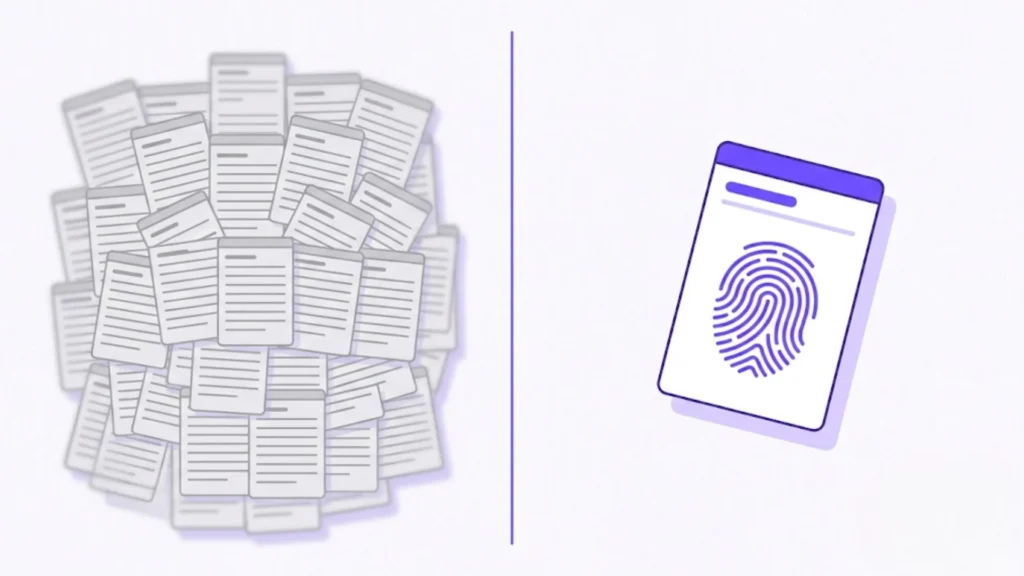
A voice profile is a document — 300 to 450 words is the practical ceiling — that you store in a Notion page, a Google Doc, or a plain text file. You paste it into the system prompt field or custom instructions at the start of every AI session. You never re-explain your voice. You never re-type it from memory. You paste it, then you brief the article. This is the shift that changes how you work: “on-brand” stops being a judgment call you make fresh each time and becomes a default state your workflow produces automatically. And if you’d rather not paste anything at all, a tool with a built-in Brand Voice layer — like Contentosapp Studio — stores the profile once and injects it into every article automatically, so on-brand becomes a saved setting instead of a per-session step.
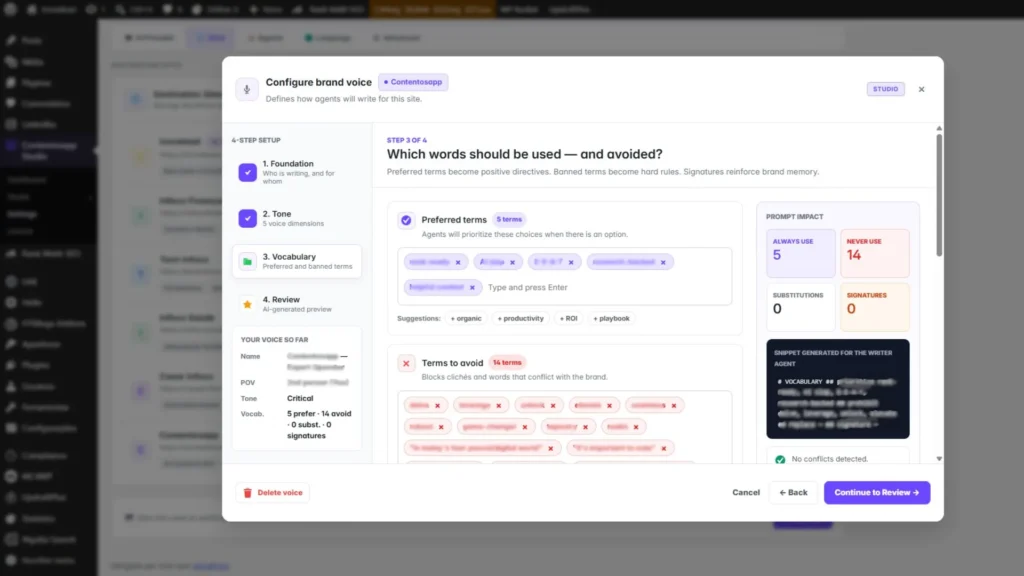
The document has three components that each do a distinct job. First, 2–3 paragraphs pulled verbatim from your best-performing or most authentic posts — real sentences, not summaries or descriptions of those sentences. Second, a behavioral do/don’t list that specifies sentence-level patterns (the next section covers how to build this correctly). Third, a persona card: one short paragraph that names who is writing, who they’re writing for, and what makes the point of view distinct. The compounding effect here is real and measurable. Every article you run through this profile reinforces a consistent brand footprint across your entire content library — a recognizable perspective that signals genuine expertise rather than generated text shaped to resemble expertise. If you’re building a full content production system around AI, the broader workflow for how this profile fits in is covered in detail in how to write SEO articles with AI — but the voice profile is the component most solo publishers skip, and it’s the one that determines whether your site accumulates a recognizable identity or a pile of competent-but-interchangeable posts. That recognizable identity is only half of a coherent site; the other half is structure — connecting those posts through a deliberate internal-linking system so the library reads as a navigable whole, not a content dump.
The Do/Don’t List: Why Generic Tone Labels Produce Generic Output
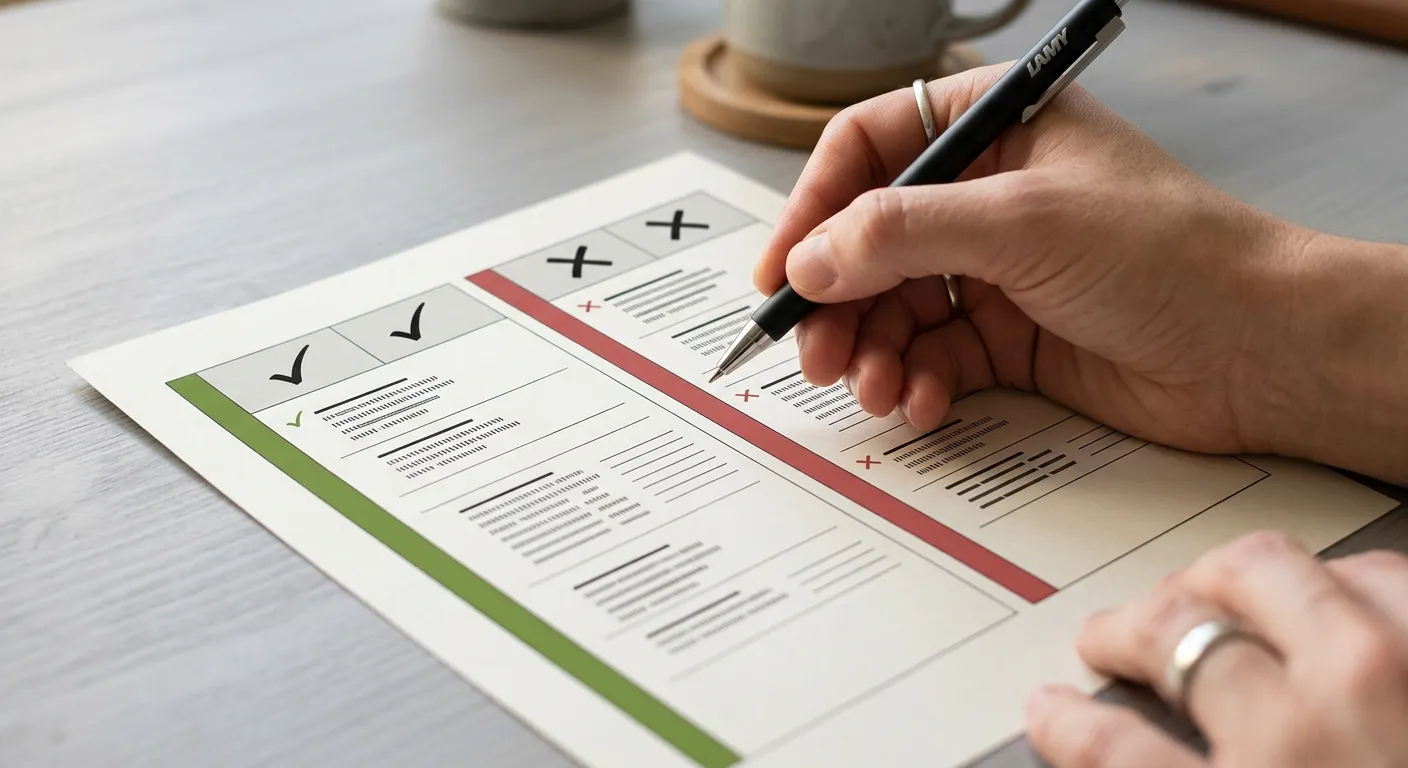
The do/don’t list is the highest-leverage component of your voice profile because it gives the model behavioral constraints — things it can actually execute — rather than aesthetic aspirations it has to interpret. “Be conversational” is an aspiration. “Never open a paragraph with ‘It’s important to note that’; address the reader directly as ‘you’ throughout; end opinion sections with a single declarative sentence, not a summary sentence” — those are constraints. The model can follow a constraint. It cannot follow a vibe.
Here’s how to build one in under 20 minutes. Pull three sentences from your writing that you consider distinctly yours. For each one, identify what it does structurally: does it use a short punchy close? A second-person challenge? A stated observation with no hedge? Then flip each structural pattern into an explicit don’t. If you write short standalone sentences for emphasis: “never wrap a key point inside a subordinate clause.” If you typically open sections with a direct claim: “don’t begin a section with a question unless it’s genuinely unanswered.” Six to eight pairs is the right range — fewer leaves too much guessing room; more than ten creates noise that the model starts ignoring. Once you have the list, test it against a draft and add a new don’t for each drift pattern you catch. And if the output still feels slightly off even after the profile is in place, the right next step is a sentence-level editing pass to catch the residual drift before anything goes live.
How to Test and Maintain Voice Consistency Across Posts
A voice profile doesn’t expire, but it does drift — slowly, the way any static document drifts from a moving target. Your writing evolves. New content formats introduce structural patterns your original samples didn’t cover. After 8 to 10 published articles, run a lightweight audit. It takes about ten minutes and it’s the step that determines whether your voice stays consistent or slowly reverts to the statistical mean over a few dozen posts.
Three steps. First, paste a recent published paragraph into a fresh AI session — no voice profile included — and ask the model to describe the writing style in four or five sentences. Second, compare that description against your persona card. If the characterization matches your intended voice, the profile is working. If it doesn’t, you’ve caught the drift before it compounds into a brand perception problem your audience notices in retrospect. Third, update the do/don’t list with any new structural pattern you’ve noticed emerging in your recent writing. This is the step no competing guide addresses: the profile itself needs to evolve as your writing does, and skipping this audit is exactly why brand voice reverts to generic over time — not because the tool failed, but because the calibration document went stale. The stakes here exceed aesthetics. Google’s guidance on people-first content explicitly asks whether your content provides “insightful analysis or interesting information that is beyond the obvious” and whether it delivers “substantial value when compared to other pages in search results.” Generic AI output fails both tests structurally. Voice consistency isn’t a stylistic preference — it’s a direct input into the criteria Google uses to assess whether your content is worth ranking.
Frequently Asked Questions
What is a voice profile for AI content and what should it include?
A voice profile is a short reusable document — 300 to 450 words is the practical target — that you paste into an AI tool’s system prompt or custom instructions before starting any draft. It contains three core components: 2–3 real writing samples pulled verbatim from your best posts (full paragraphs, not excerpts), a behavioral do/don’t list of specific sentence-level patterns to follow or avoid, and a persona card that describes who is writing and for whom. It exists outside any individual article workflow, so you build it once and reuse it across every session. The key distinction is that it replaces tone description entirely — you stop telling the model how you write and start showing it.
How many writing samples do I need to calibrate my AI to my brand voice?
Two to three full paragraphs is the right amount. Each sample should come from content you consider distinctly representative of your current voice — not your oldest posts, which may reflect an earlier style. The goal is to give the model enough token-level patterns to match: sentence length variation, punctuation habits, vocabulary anchors, how you close a paragraph. More than four or five samples introduces inconsistency, especially if the pieces were written at different stages of your writing. Quality of the examples matters more than quantity.
Can I use a voice profile across different AI tools like ChatGPT and Claude?
Yes. The sample-based calibration approach works across model families because the underlying mechanism — few-shot prompting via concrete examples — is a foundational technique that isn’t specific to any single model. Anthropic’s Claude prompt engineering documentation confirms that providing real examples is one of the most reliable ways to anchor model behavior. Paste your profile into the system prompt field in ChatGPT, the system block in Claude, or the equivalent persistent context field in whichever tool you use. The behavioral constraints in your do/don’t list translate across all of them.
How do I know if my AI content is actually matching my brand voice?
Run the quick audit: paste a recently published paragraph into a fresh AI session — no voice profile loaded — and ask it to describe the writing style in four or five sentences. Then compare that description to your persona card. Match means your profile is calibrated correctly. Mismatch tells you exactly what to fix: which component of the do/don’t list needs a new rule, or which sample paragraph has been superseded by how you write now. This self-assessment works because the model is reflecting back what it detects in the text, stripped of any instructions you gave it — it’s the closest thing to an objective voice audit you can run without a second editor.
The voice profile isn’t a creative project you schedule for later. It’s an engineering decision with a measurable output: you’re changing the input type from abstract descriptor to concrete example, and the quality of the AI’s output changes because the underlying mechanism changes. Build the document today — it takes about an hour the first time. Keep it under 450 words. Paste it every session. The 15 minutes you currently spend rewriting each draft gets redirected into content that actually moves the needle. And as your library grows, the consistency compounds: a recognizable point of view accumulating across dozens of posts, signaling to both readers and Google’s systems that there’s a genuine perspective behind the work. Start with the samples. Everything else follows from there.
References
External sources
- Prompt engineering | OpenAI API — https://developers.openai.com/api/docs/guides/prompt-engineering
- Creating Helpful, Reliable, People-First Content | Google Search Central | Documentation | Google for Developers — https://developers.google.com/search/docs/fundamentals/creating-helpful-content
- Prompt engineering overview – Claude API Docs — https://platform.claude.com/docs/en/build-with-claude/prompt-engineering/overview