llms.txt is one small piece of a bigger discipline — our complete guide to Generative Engine Optimization covers the full playbook for getting cited by AI engines.
You saw “llms.txt” trending on X or Reddit, clicked through to a few articles, and got either breathless promises about AI visibility or a vague hand-wave toward “the future of search.” Neither one answered what you actually wanted to know. Here’s the straight version.
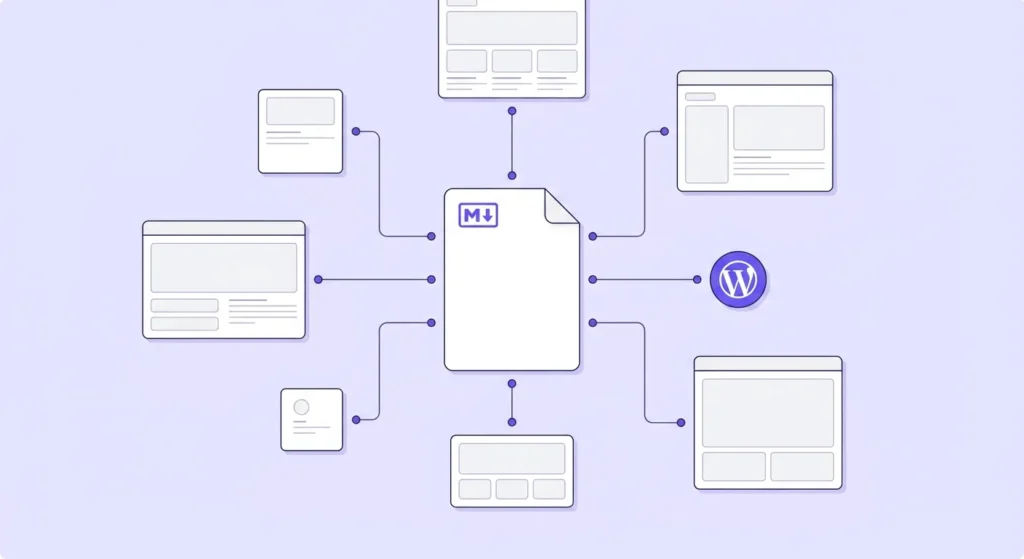
The llms.txt wordpress search is popular because the spec is genuinely interesting — and genuinely misunderstood. The official llms.txt specification describes it as a plain markdown file, placed at your site’s root, that gives large language models a structured, concise map of your most important content. The core problem it solves: context windows are too small to handle most websites in their entirety, and converting messy HTML into something an LLM can parse cleanly is unreliable. A lean markdown file addresses both friction points at once.
The catch — and it’s a real one — is that no major AI engine officially requires it yet. This article covers exactly what the spec does, what it honestly cannot do for your rankings or AI citations, and how to add it to a WordPress site today. Three methods. Copy-paste ready. Under 10 minutes.
- What it is: A plain markdown file at your site’s root that gives LLMs a structured summary of your most important pages — defined by the community spec at llms-txt.org.
- Why it exists: LLM context windows can’t handle full websites, and raw HTML is hard for models to parse cleanly. llms.txt offers a curated, concise shortcut.
- No engine requires it: Not Google, not OpenAI, not Anthropic. It’s a voluntary signal with zero enforcement weight — closer to a business card than a gate.
- Three WordPress paths: Toggle it on inside Yoast SEO (4 clicks), install a free plugin like “Website LLMs.txt” or “LLMs.txt Builder,” or upload a plain text file manually via FTP.
- The power-user move: Generate
/llms-full.txttoo — it includes page excerpts, which give LLMs far better context than titles and bare URLs alone. - Setup takes under 10 minutes and the downside risk is essentially zero. Add it today, verify it loads, revisit quarterly.
What llms.txt Does — and What It Does Not Do
Start with the comparison people usually skip. robots.txt and llms.txt look superficially similar — both live at your domain root, both give instructions to automated systems — but they solve completely different problems. Google’s official robots.txt documentation defines the file as a tool used “mainly to avoid overloading your site with requests” and states explicitly that it “is not a mechanism for keeping a web page out of Google.” It manages crawler traffic. llms.txt doesn’t manage anything. The official spec at llms-txt.org states plainly: “This proposal does not include any particular recommendation for how to process the llms.txt file, since it will depend on the application.” No AI engine has committed to reading it. Think of llms.txt as a well-organized business card — it tells an LLM what you think matters, but the model decides whether to act on it. The proposal comes from Jeremy Howard, co-founder of Answer.AI and creator of the fastai library, who published the spec at llms-txt.org in September 2024.
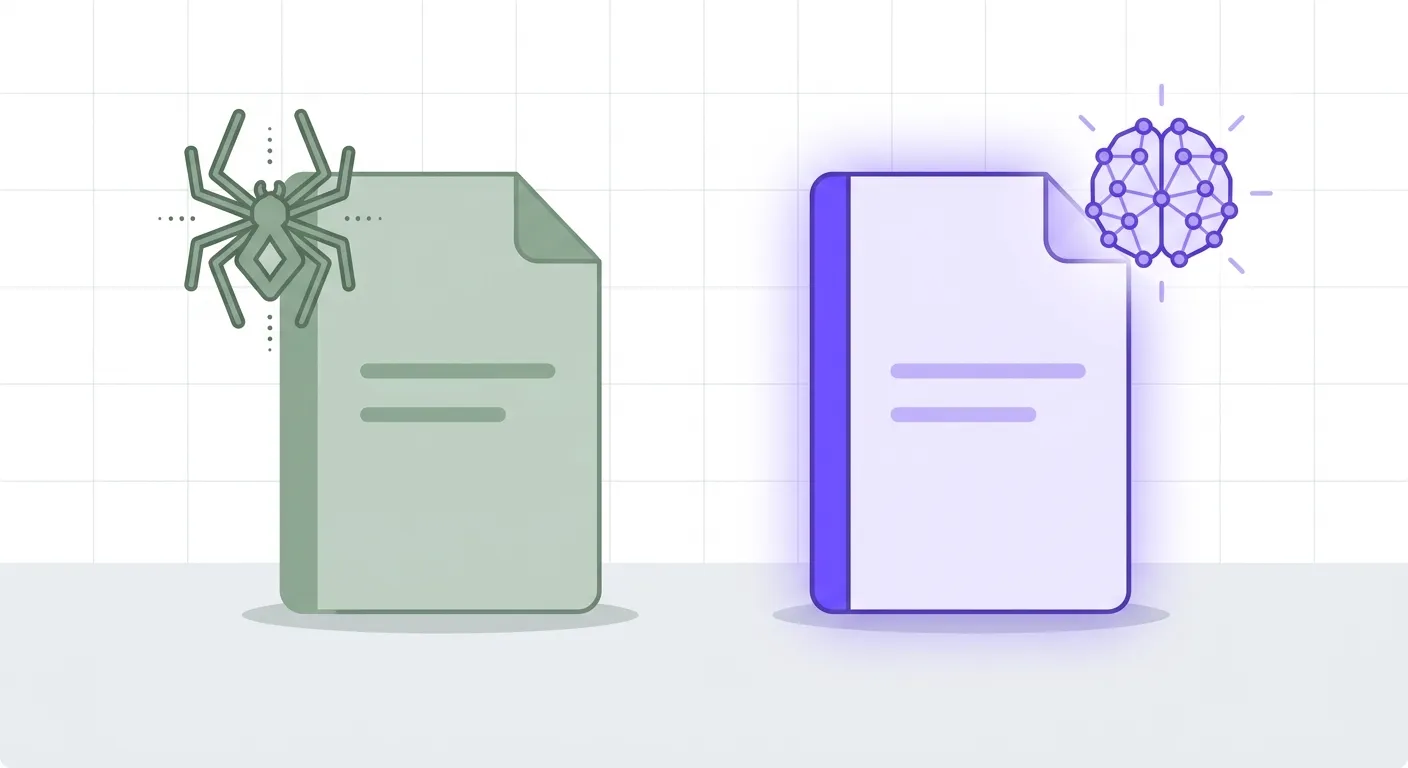
The file structure itself is minimal. Your llms.txt lives at yourdomain.com/llms.txt, written in standard markdown. It opens with an # H1 containing your site name, a short blockquote description, and one or more ## sections listing your most important URLs — each optionally annotated with a one-line summary. The spec also defines an optional llms-full.txt companion that carries richer content, and recommends appending .md to individual page URLs to serve clean markdown versions of those pages to any system that requests them. Here’s a minimal working example:
# Your Site Name

> A plain-English description of what this site covers and who it's for.

## Most Important Pages

- [Start Here](https://yourdomain.com/start-here/): The recommended entry point for new readers.
- [Best Posts](https://yourdomain.com/best/): Top editorial content by category.
- [About](https://yourdomain.com/about/): Author background and site credentials.

## Optional

- [Resources](https://yourdomain.com/resources/): Curated tools and references.
The minimal version works, but if your blog is organized in topic clusters — pillar guides supported by satellite posts — mirror that structure in the file. It tells the model not just what your pages are, but how they relate:
# Example Coffee Blog
> Independent coffee blog: brewing guides, gear reviews, and beginner
> tutorials — written by a home barista since 2019.

## Start here (pillar guides)
- [The Complete Guide to Home Espresso](https://example.com/home-espresso-guide/): Our definitive hub — equipment, technique, troubleshooting
- [Coffee Brewing Methods Explained](https://example.com/brewing-methods/): Every major method, compared honestly

## Espresso cluster
- [How to Dial In Espresso](https://example.com/dial-in-espresso/): Step-by-step grind and dose calibration
- [Best Entry-Level Espresso Machines](https://example.com/entry-espresso-machines/): Tested picks by budget
- [Espresso vs. Moka Pot](https://example.com/espresso-vs-moka/): Which fits your kitchen and routine

## Brewing cluster
- [Pour-Over for Beginners](https://example.com/pour-over-guide/): Technique, ratios and timing
- [French Press Mistakes That Ruin the Cup](https://example.com/french-press-mistakes/): And how to fix each one

## About
- [About the author](https://example.com/about/): Who writes this and why you can trust it
Structure yours the same way: pillars first, then each cluster’s satellites with a one-line description each. For a live example, this site’s own file is at contentosapp.com/llms.txt — it lists our pillar guides and the AI-search cluster this article belongs to.
How to Add llms.txt to WordPress (Three Methods)
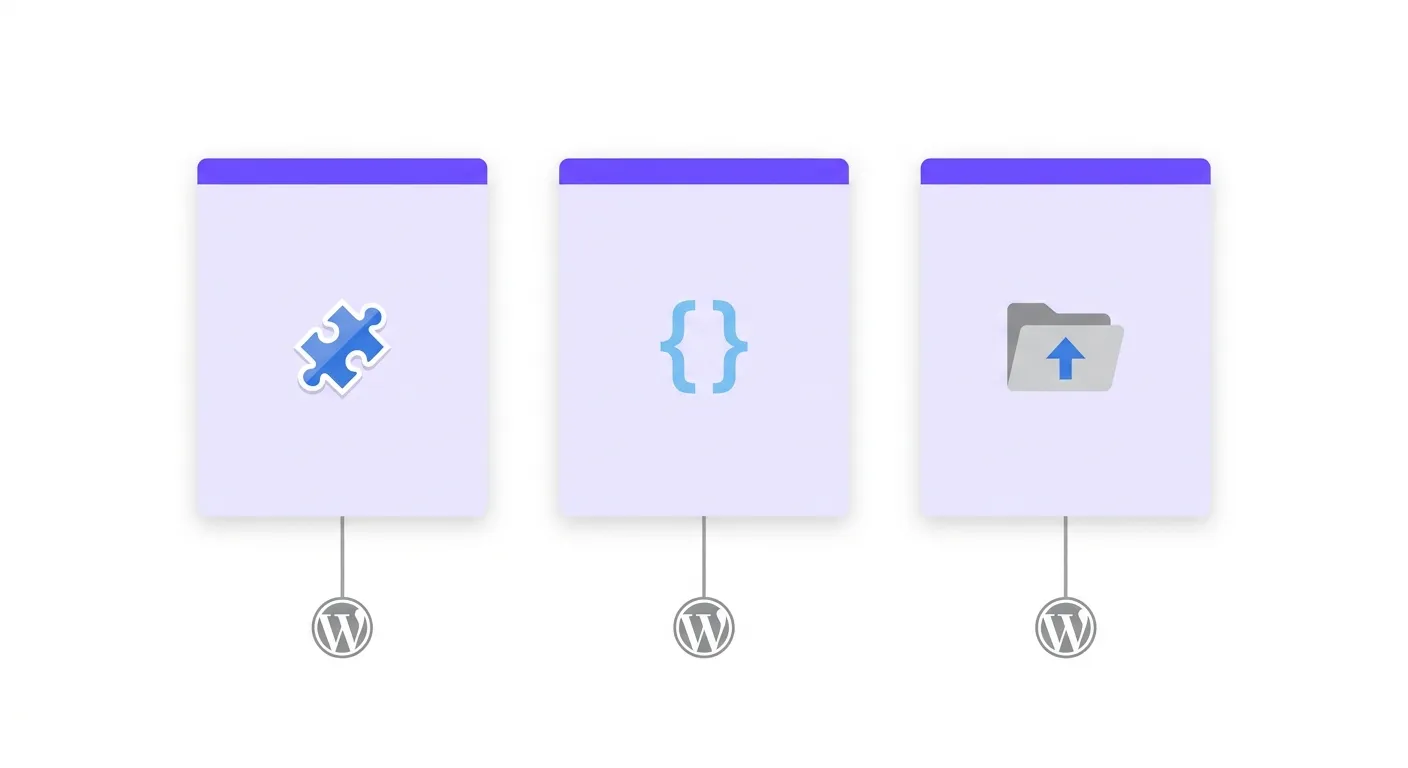
Three paths, ordered by technical lift. Pick the one that fits your setup.
Method 1 — Plugin (recommended for most users). If you’re already running Yoast SEO, go to Dashboard → Yoast SEO → Settings → Site Features → AI tools → LLMS.txt → toggle on → Save. Four clicks, as documented in Yoast’s official guide. No Yoast? The free Website LLMs.txt plugin from the WordPress plugin directory generates the file on activation. For a richer output, use the LLMs.txt Builder plugin — it creates both /llms.txt (titles and URLs) and /llms-full.txt (titles, URLs, and page excerpts). That second file is the one that actually matters for LLM comprehension. Most guides stop at basic /llms.txt, but a title alone is thin context — an excerpt gives the model a semantic signal before it decides whether to retrieve the full page. WordPress users who skip /llms-full.txt are leaving the more useful artifact on the table.
Method 2 — PHP snippet (best for active publishing sites). A static llms.txt file is a liability if you publish frequently. If your cornerstone content changes and your file doesn’t, you’re feeding LLMs an outdated content map without knowing it. A 20-line PHP snippet added to functions.php (or a code snippet plugin like WPCode) generates the file dynamically from a live WordPress query — no physical file, no drift. Here’s a working implementation:
add_action( 'init', function() {
 add_rewrite_rule( '^llms\.txt$', 'index.php?llms_txt=1', 'top' );
} );

add_filter( 'query_vars', function( $vars ) {
 $vars[] = 'llms_txt';
 return $vars;
} );

add_action( 'template_redirect', function() {
 if ( ! get_query_var( 'llms_txt' ) ) return;

 header( 'Content-Type: text/plain; charset=utf-8' );

 $output = '# ' . get_bloginfo( 'name' ) . "\n\n";
 $output .= '> ' . get_bloginfo( 'description' ) . "\n\n";
 $output .= "## Key Pages\n\n";

 $pages = get_pages( [ 'number' => 10, 'sort_column' => 'menu_order' ] );
 foreach ( $pages as $page ) {
 $output .= '- [' . $page->post_title . '](' . get_permalink( $page ) . ")\n";
 }

 $output .= "\n## Recent Posts\n\n";

 $posts = get_posts( [ 'numberposts' => 10, 'post_status' => 'publish' ] );
 foreach ( $posts as $post ) {
 $output .= '- [' . $post->post_title . '](' . get_permalink( $post ) . ")\n";
 }

 echo $output;
 exit;
} );
After adding the snippet, go to Settings → Permalinks and click Save (no edits needed — this flushes the rewrite rules). Verify the file loads by visiting yourdomain.com/llms.txt directly in your browser. Since the file is served dynamically, there’s no physical file on disk and no manual permissions to set.
Method 3 — Manual upload. Write your markdown locally, save as llms.txt, and upload it to your WordPress root directory (the folder containing wp-config.php) via FTP or your host’s file manager. Set file permissions to 644. Confirm it’s accessible in the browser. This approach works for low-update sites, but it requires you to edit and re-upload the file every time your cornerstone content changes.
Does llms.txt Actually Affect AI Citations or Traffic?
Nobody has clean data on this yet. No peer-reviewed study and no large-scale controlled experiment has demonstrated a causal link between having an llms.txt file and receiving more citations in LLM outputs or more referral traffic from AI-powered tools. The current evidence base is anecdotal and self-reported — SEOs who claim positive results after adding llms.txt almost always made other changes in the same window: tightening internal links, improving content structure, beefing up E-E-A-T signals. That’s a correlation problem, not proof of mechanism. Attributing specific outcomes to the llms.txt file isn’t defensible without controlled isolation.
The honest cost-benefit is still favorable. Setup is under 10 minutes using any of the methods above. There’s no known downside — no SEO penalty, no page speed impact, no crawl budget consequence. If AI crawlers formally adopt the spec, sites with clean, maintained files will have had a head start. That’s an optionality argument, not a performance claim. The more defensible near-term benefit is indirect: writing a good llms.txt forces you to identify and curate your site’s most important content. That exercise improves your content architecture regardless of what any LLM does with the file. And thinking deliberately about how to structure your content so AI systems can navigate it — through internal linking, clear hierarchies, and explicit content relationships — is foundational work that compounds across every channel, not just AI.
Either way, the file only points at your content — what gets you cited is how the content itself is written. That work starts with the passage-level method for AI Overviews.
Frequently Asked Questions
Does Google use llms.txt for search indexing?
No. Google’s crawlers operate independently of llms.txt entirely. Google’s robots.txt documentation covers how Googlebot manages site access, but llms.txt is not part of that system — it’s not processed by Googlebot and has no effect on how your pages are discovered, crawled, or ranked in traditional search. The file is intended for LLM-powered tools and AI assistants. Having it won’t help your Google rankings; not having it won’t hurt them.
Where exactly does the llms.txt file go in a WordPress installation?
At your site’s root directory — the same location as wp-config.php and .htaccess. Once in place, it should load at https://yourdomain.com/llms.txt. If you use the plugin or PHP snippet methods, WordPress handles the routing automatically. For manual upload via FTP, place the file inside public_html (or the equivalent root folder for your host). Confirm it’s publicly accessible by loading it in an incognito browser tab.
Is llms.txt the same as robots.txt?
No, and the distinction matters. robots.txt is a crawler traffic management standard with decades of adoption — search engines officially respect it. llms.txt is a proposed spec with no enforcement mechanism. The official spec explicitly states it makes no recommendation for how the file should be processed. Both files live at your domain root, both should exist on your site, but they serve completely different purposes and don’t interact with each other in any way.
What should I actually put inside my llms.txt file?
Keep it focused. Lead with an # H1 site name, a short blockquote explaining what the site does, and one or more ## sections linking to your most important URLs — each with an optional one-line description. Don’t paste your entire sitemap in there. The whole point is to give LLMs a curated, concise map, not an exhaustive index. Prioritize evergreen cornerstone content, important category or resource pages, and anything that represents your site’s core editorial value. Ten to twenty URLs is plenty for most sites.
Will adding llms.txt hurt my site’s SEO or page speed?
No. A plain text file at a static URL is negligible in size — typically a few kilobytes — and adds no JavaScript, CSS, or front-end queries to your pages. Search engines don’t process it as part of indexing. The dynamic PHP method generates the file on-demand, but the overhead is minimal, comparable to rendering a simple custom template. There is no documented mechanism by which llms.txt could negatively affect rankings or page performance.
Is there a WordPress plugin that generates llms.txt automatically?
Yes. The free Website LLMs.txt plugin generates the file on activation and handles updates automatically. The LLMs.txt Builder plugin goes further — it produces both /llms.txt and /llms-full.txt, with the full version including excerpts that give LLMs substantially more context per URL. If you already have Yoast SEO installed, enabling llms.txt inside Yoast is the fastest path: four clicks inside Settings with no additional plugins required.
Conclusion
llms.txt is a low-cost bet on a spec that has real momentum and zero downside risk. You’re not rearchitecting your site — you’re adding a markdown file and verifying it loads. Use the Yoast toggle if you already have it, the LLMs.txt Builder plugin if you want the richer /llms-full.txt output, or the PHP snippet if you publish frequently and want the file to stay current automatically. Verify it loads at your root URL, confirm /llms-full.txt exists if you went the Builder route, and schedule a quarterly review whenever cornerstone content changes. The spec community at llms-txt.org is active and the standard is more likely to gain formal traction as AI tools mature than to disappear — that’s enough reason to have your file ready before it becomes required rather than recommended.
References
External sources
- The /llms.txt file – llms-txt — https://llmstxt.org/
- Robots.txt Introduction and Guide | Google Search Central | Documentation | Google for Developers — https://developers.google.com/search/docs/crawling-indexing/robots/intro
- How to enable llms.txt with Yoast SEO • Yoast — https://yoast.com/help/enable-llmstxt/
- Website LLMs.txt – WordPress plugin | WordPress.org — https://wordpress.org/plugins/website-llms-txt/
- LLMs.txt Builder – WordPress plugin | WordPress.org — https://wordpress.org/plugins/nt-llms-txt-builder/
Related content